Sign up with the email address your institution provided to us (personal or institutional). It should match the address in your introductory email. If you have not received one, contact us or your institution representative.
How to use PoolText and get your manuscript report
Register, complete your profile, upload your manuscript, and receive a structured report covering language, references, and structure.
Available for manuscripts from all scientific fields
Registration steps
- 1
Sign up
Sign up with your personal email or with the email under an institution we have an agreement with.
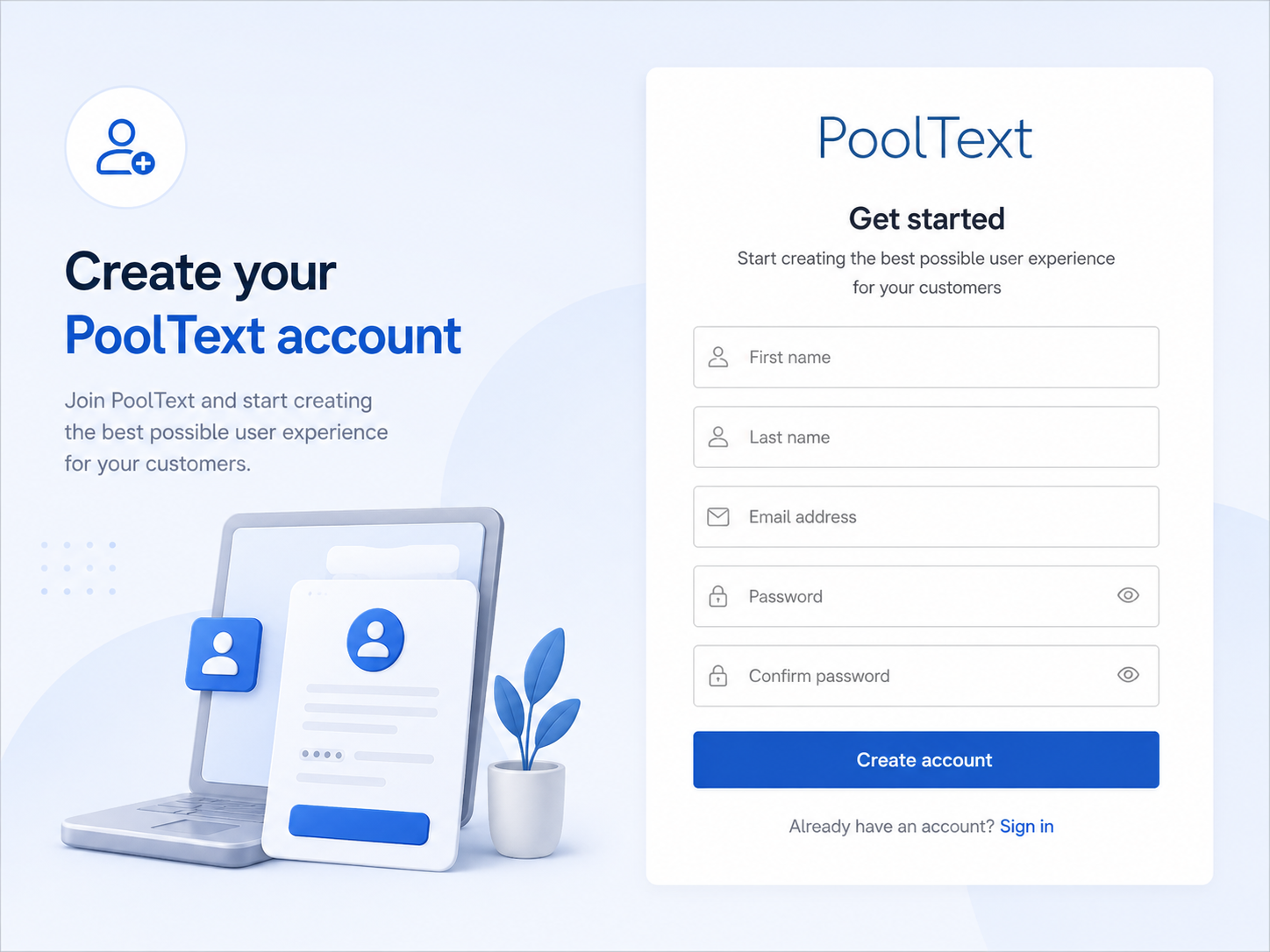
- 2
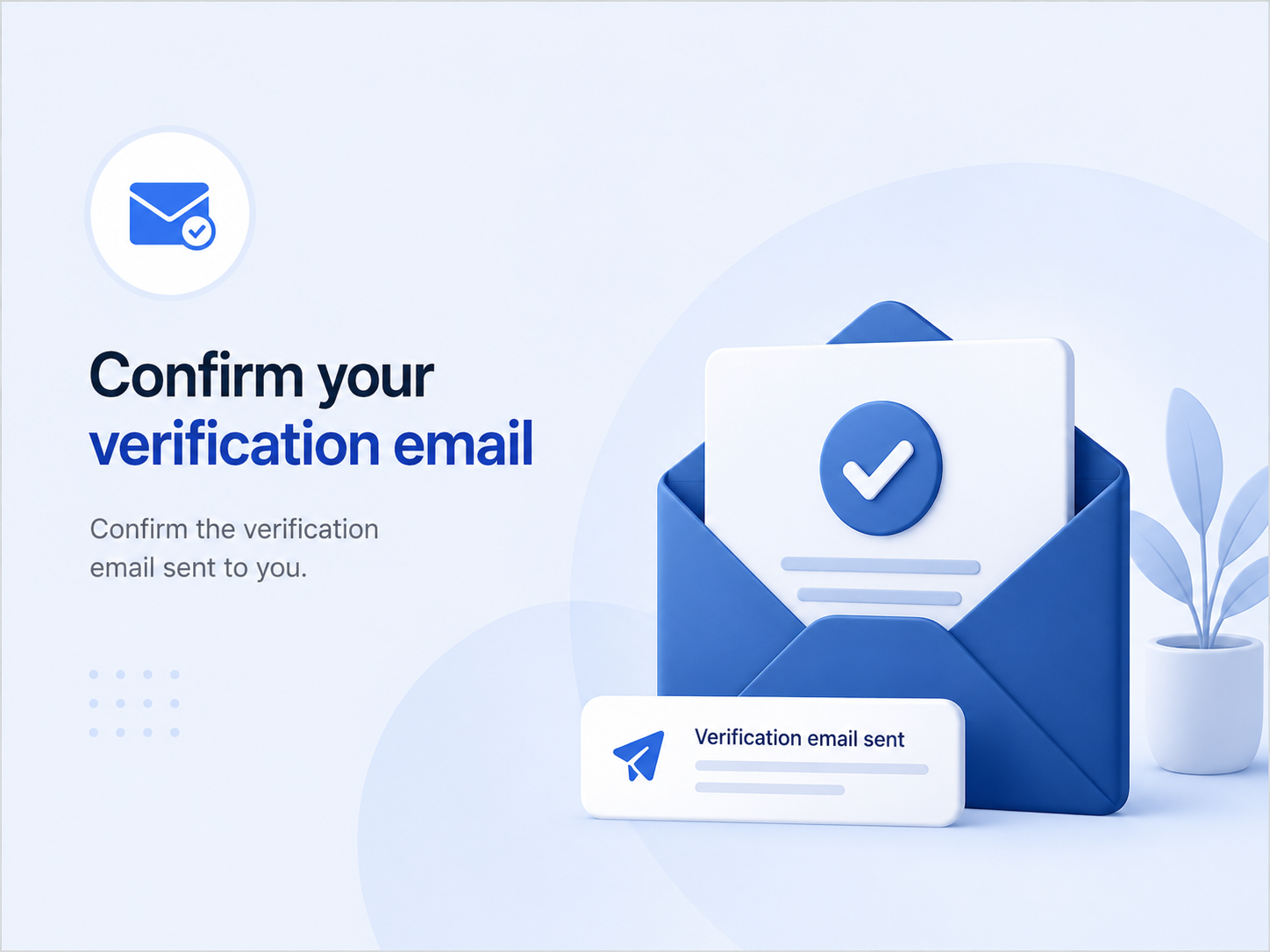
Confirm your verification email
Confirm the verification email sent to you.
- 3
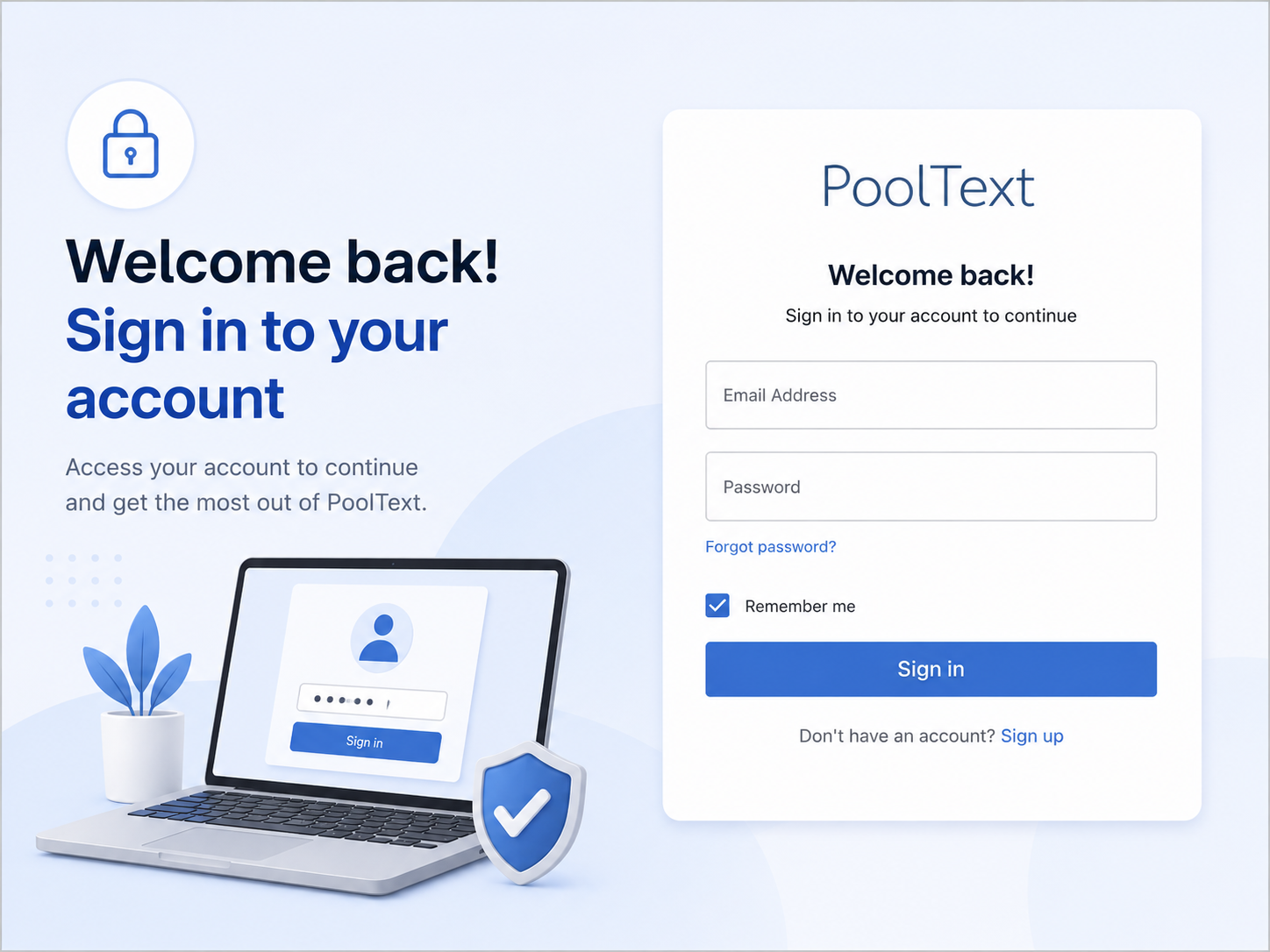
Sign in
Sign in with your personal email or with the email under your institution.
Steps for getting your report
- 1
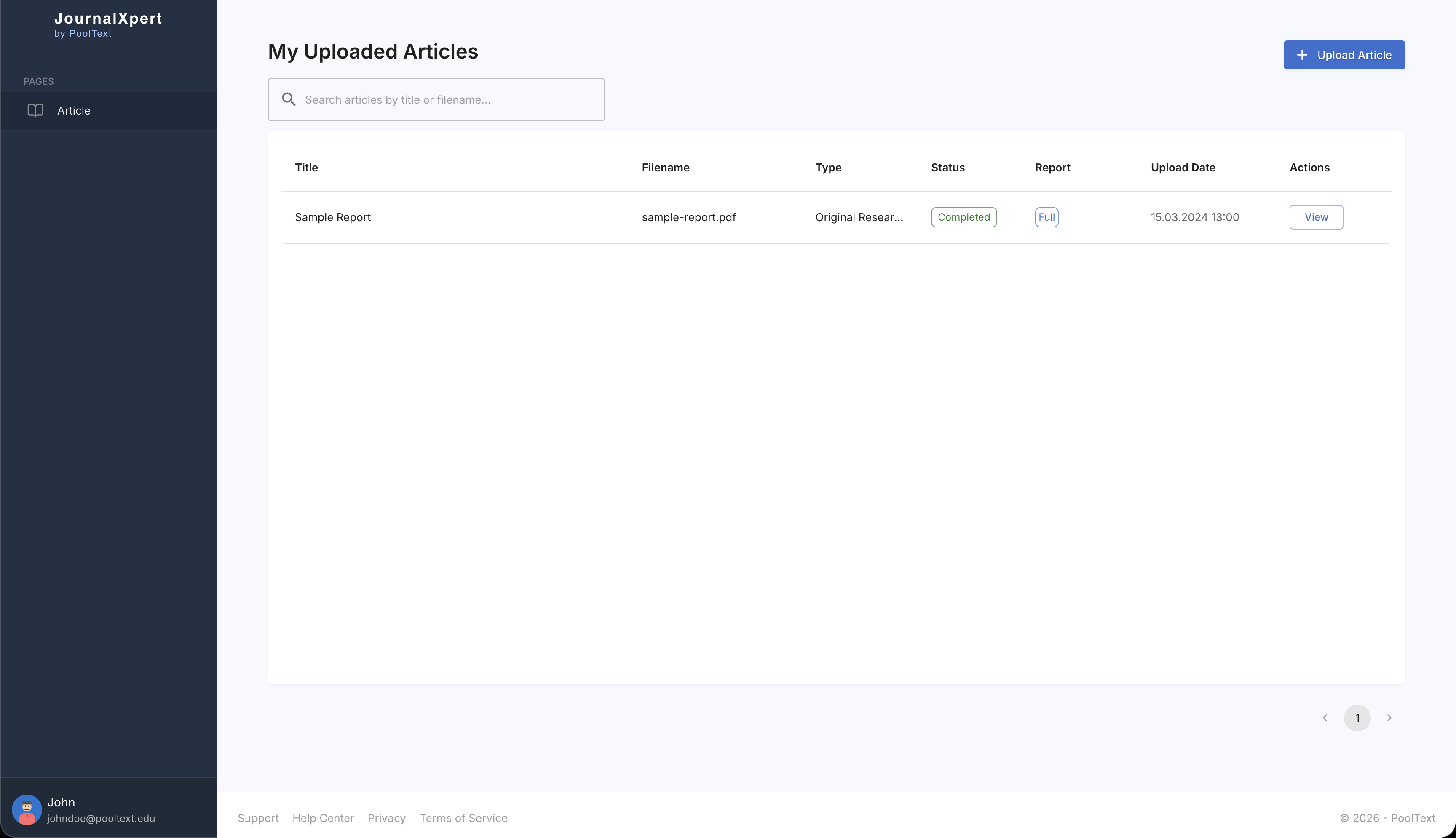
Click upload
Click the "Upload Manuscript" button to start creating your PoolText Report.
- 2
Select manuscript
Choose the manuscript file you want to analyze. Select a docx or pdf file.
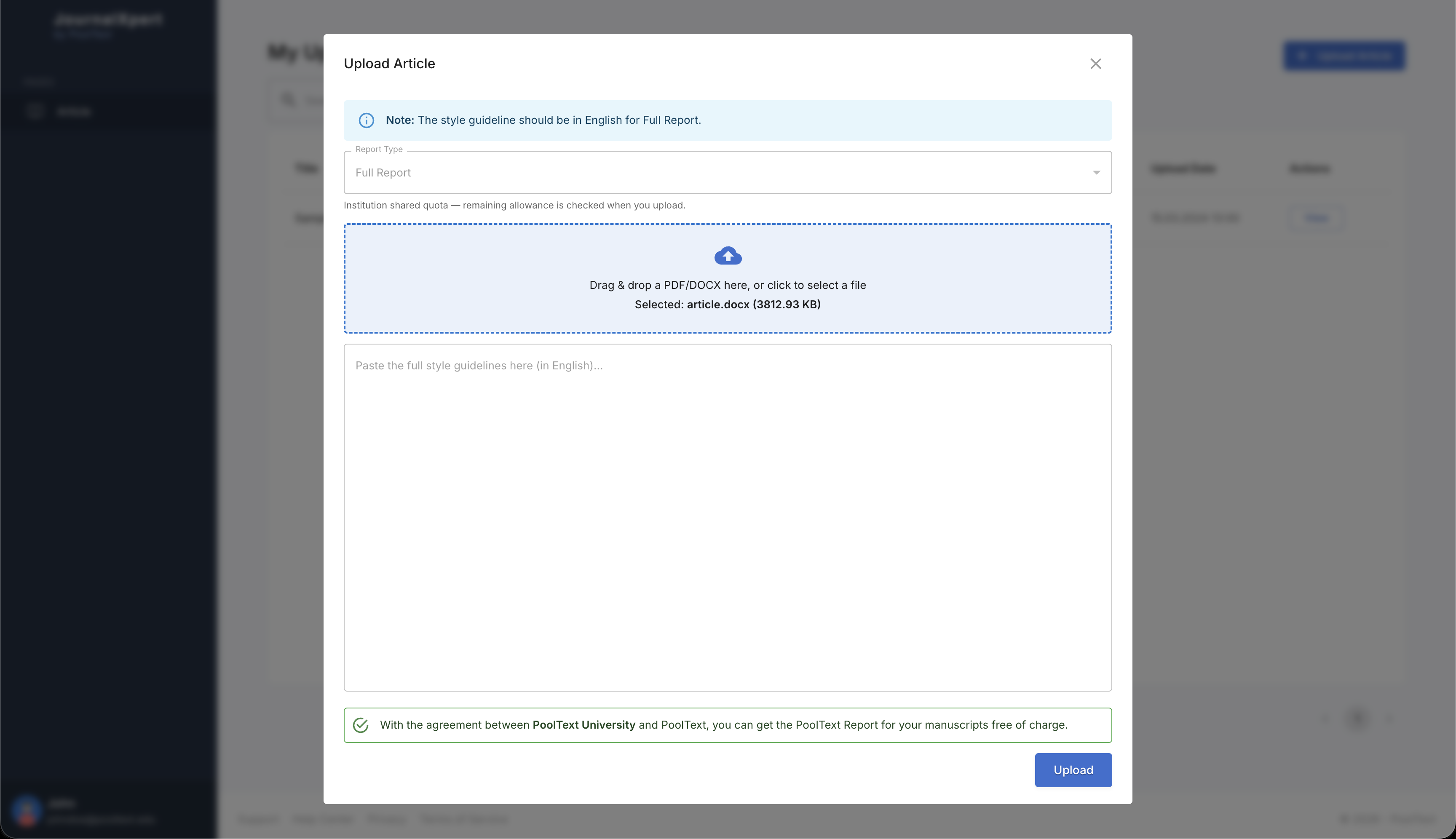
- 3
Fill in style guideline
Enter the citation and formatting rules for your target journal. Paste your target journal's style guideline.
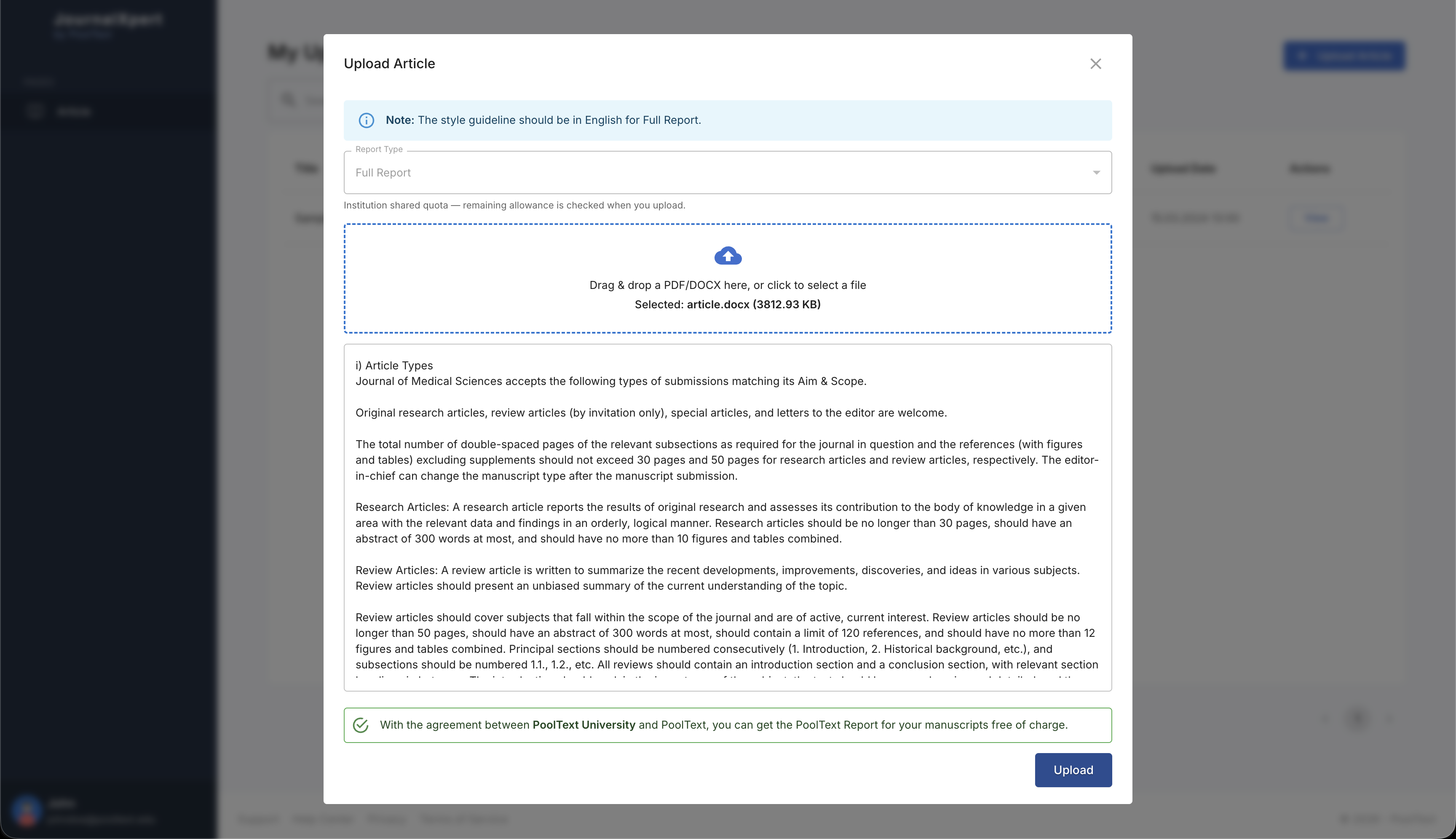
- 4
Pay with credit card or use from institution quota
Pay with your credit card or use your institution's quota with the agreement between PoolText and your institution.

- 5
Await submitting modal
Wait for the submission to complete while the uploading modal is shown.
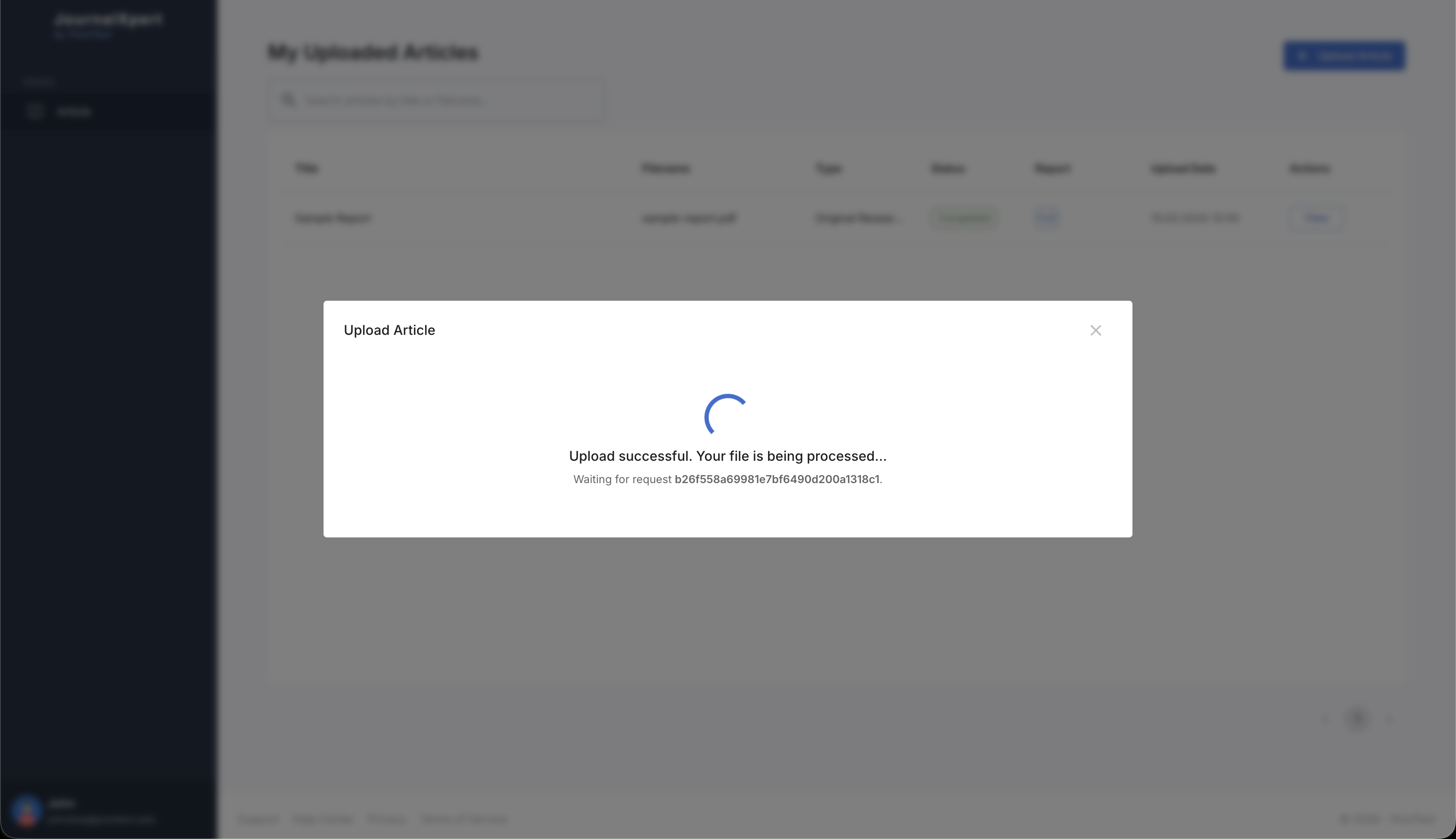
- 6
View when manuscript finalizes
Open your report once processing is finished. Sit back and relax while PoolText creates your review with cutting-edge technology.
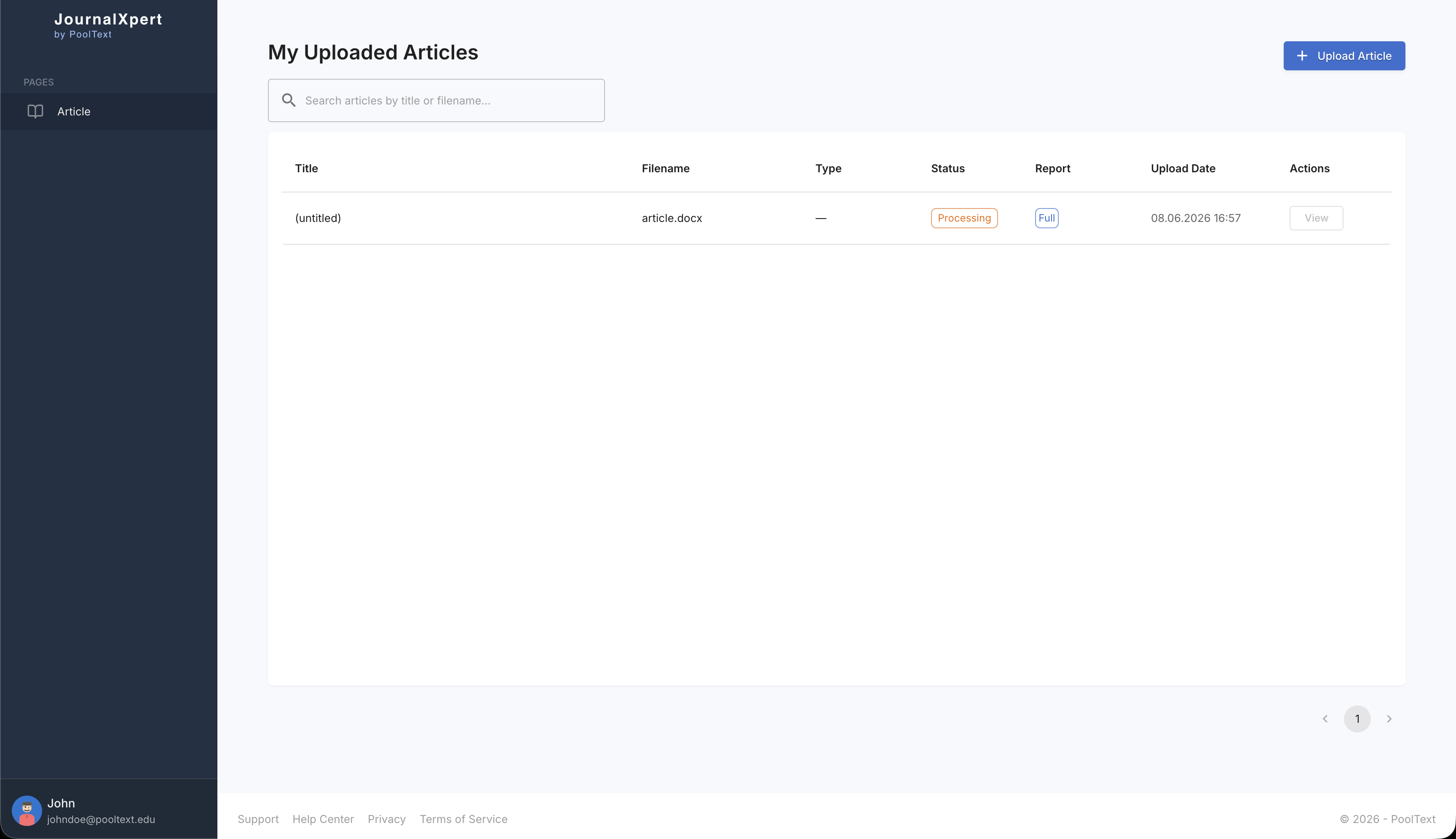
View your report
- 1
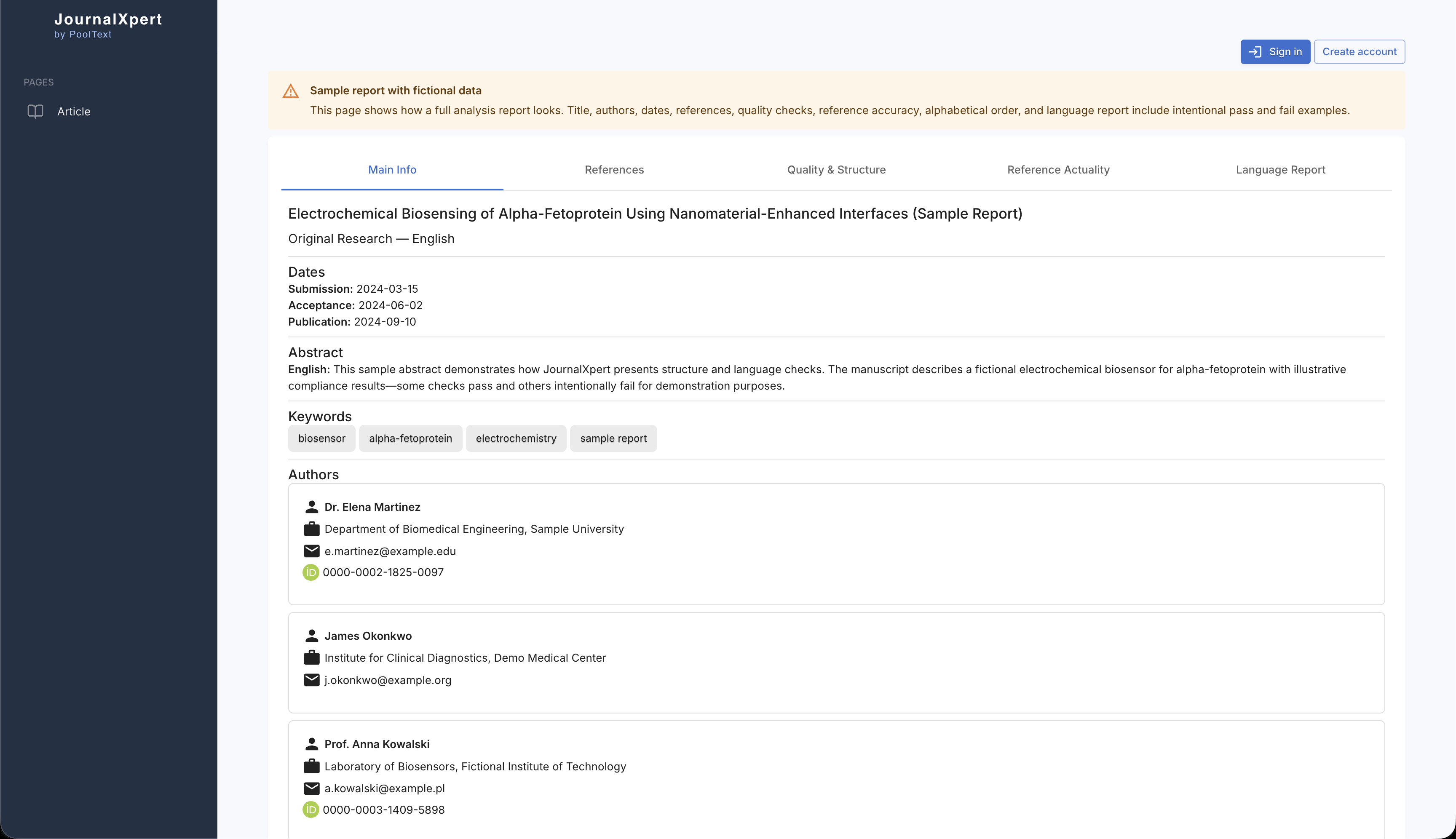
Main Info
Open the Main Info tab to see your manuscript summary, report type, overall scores, and key highlights at a glance.
- 2
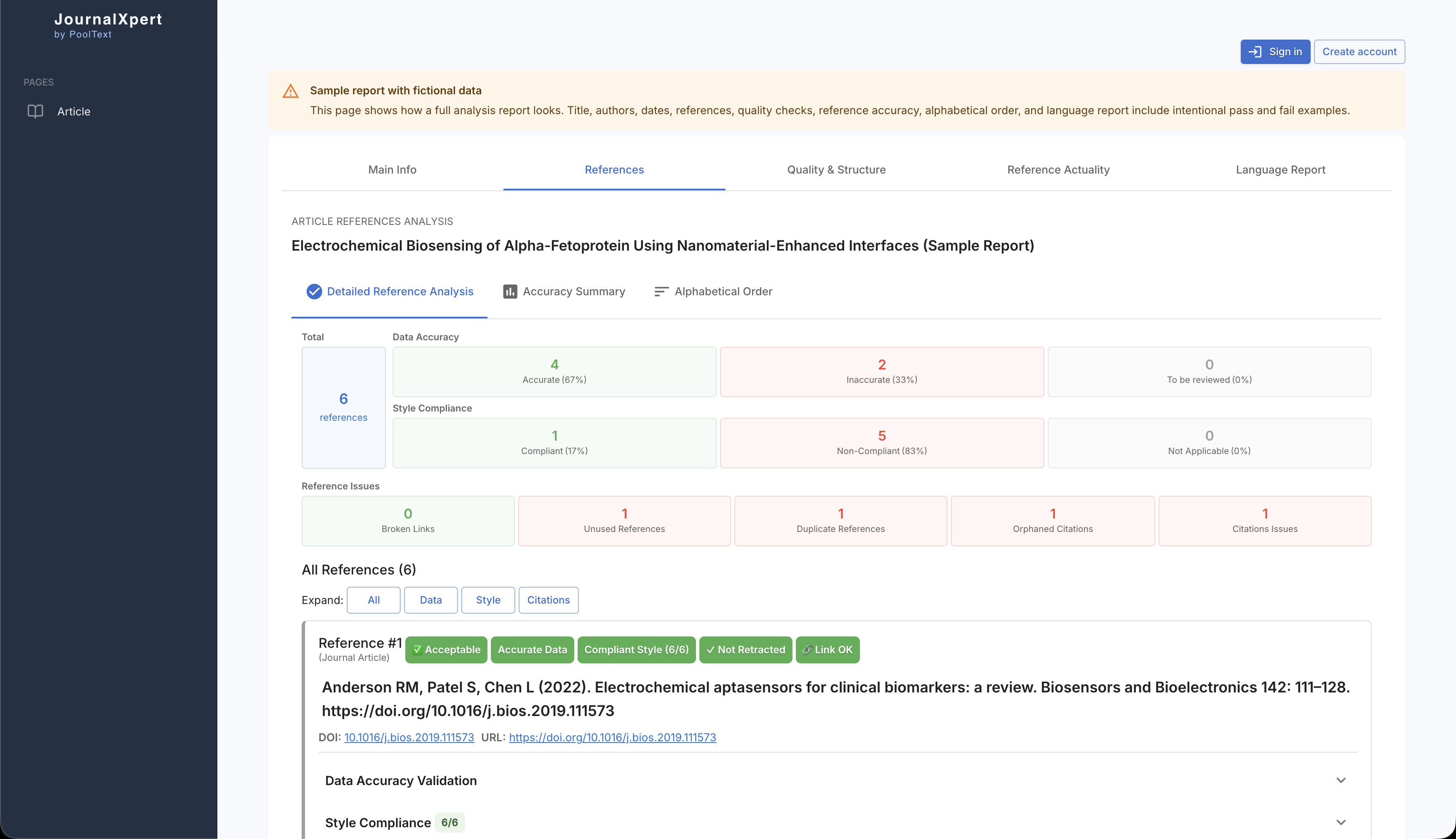
References
Switch to the References tab to review reference accuracy, citation issues, and recommendations for improving your bibliography.
- 3
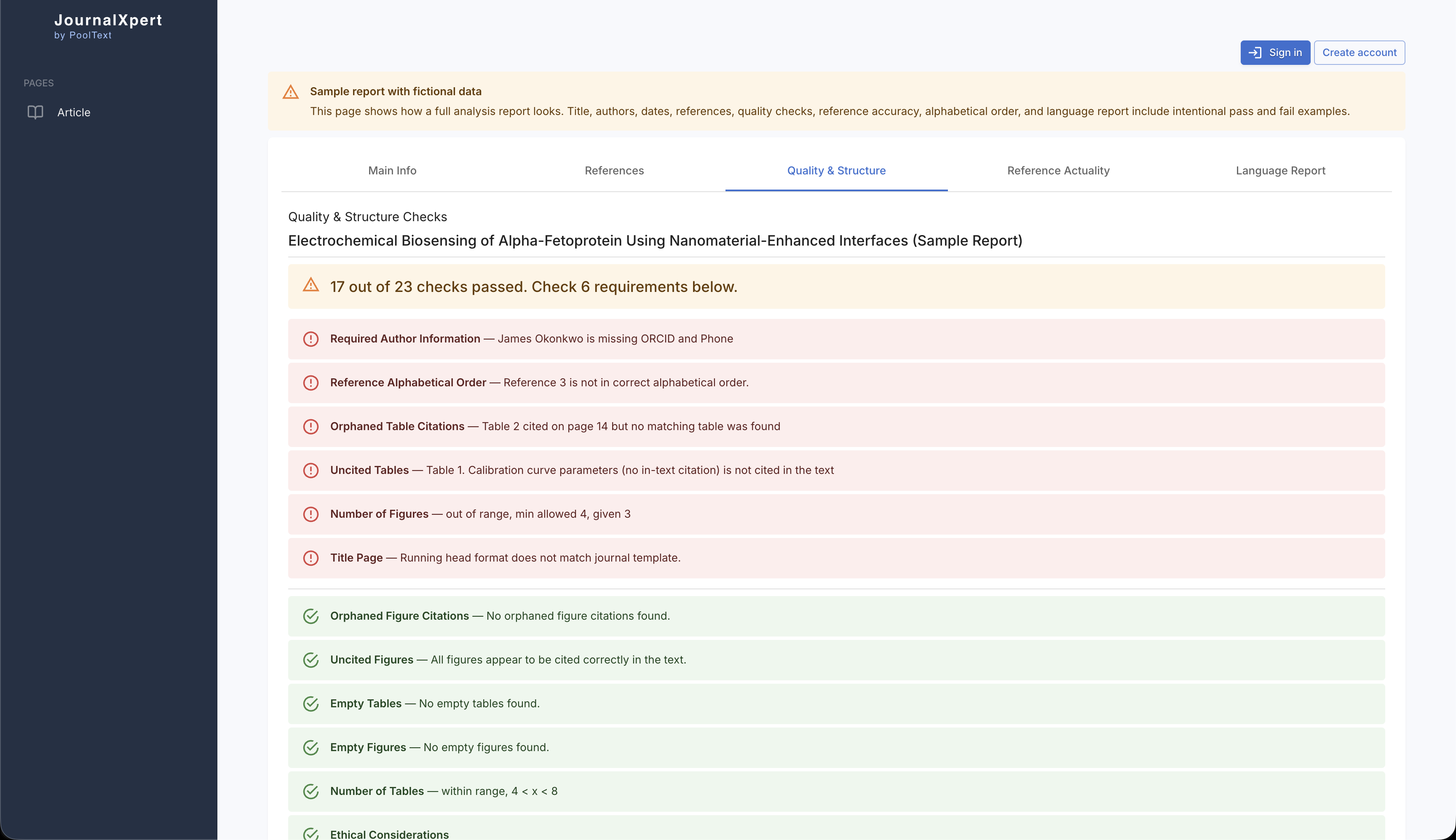
Quality & Structure
The Quality & Structure tab shows structural checks across headings, sections, tables, figures, and other formatting rules in your manuscript.
- 4
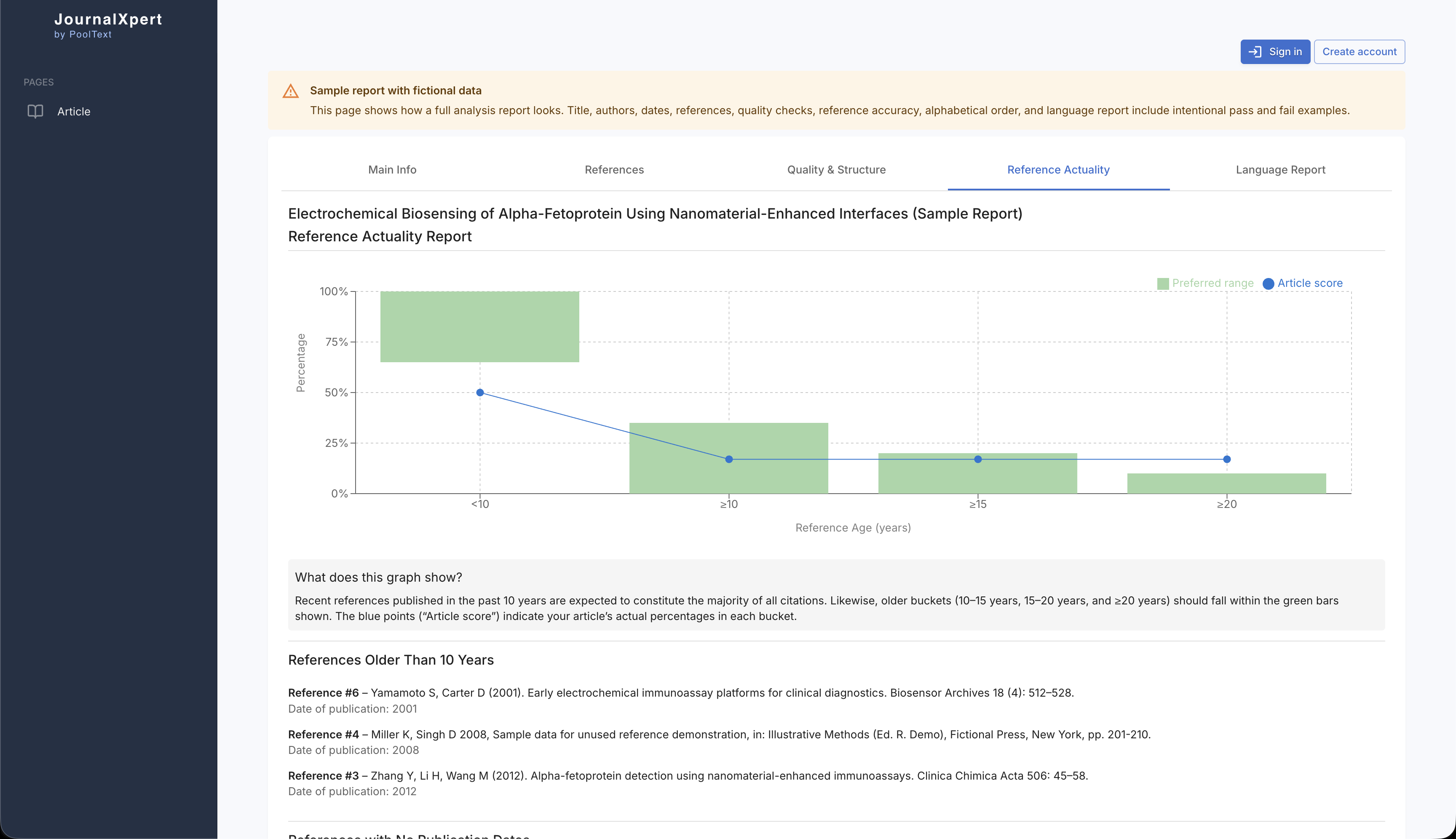
Reference Actuality
Open Reference Actuality to see how recent your reference list is and whether your literature review reflects current research.
- 5
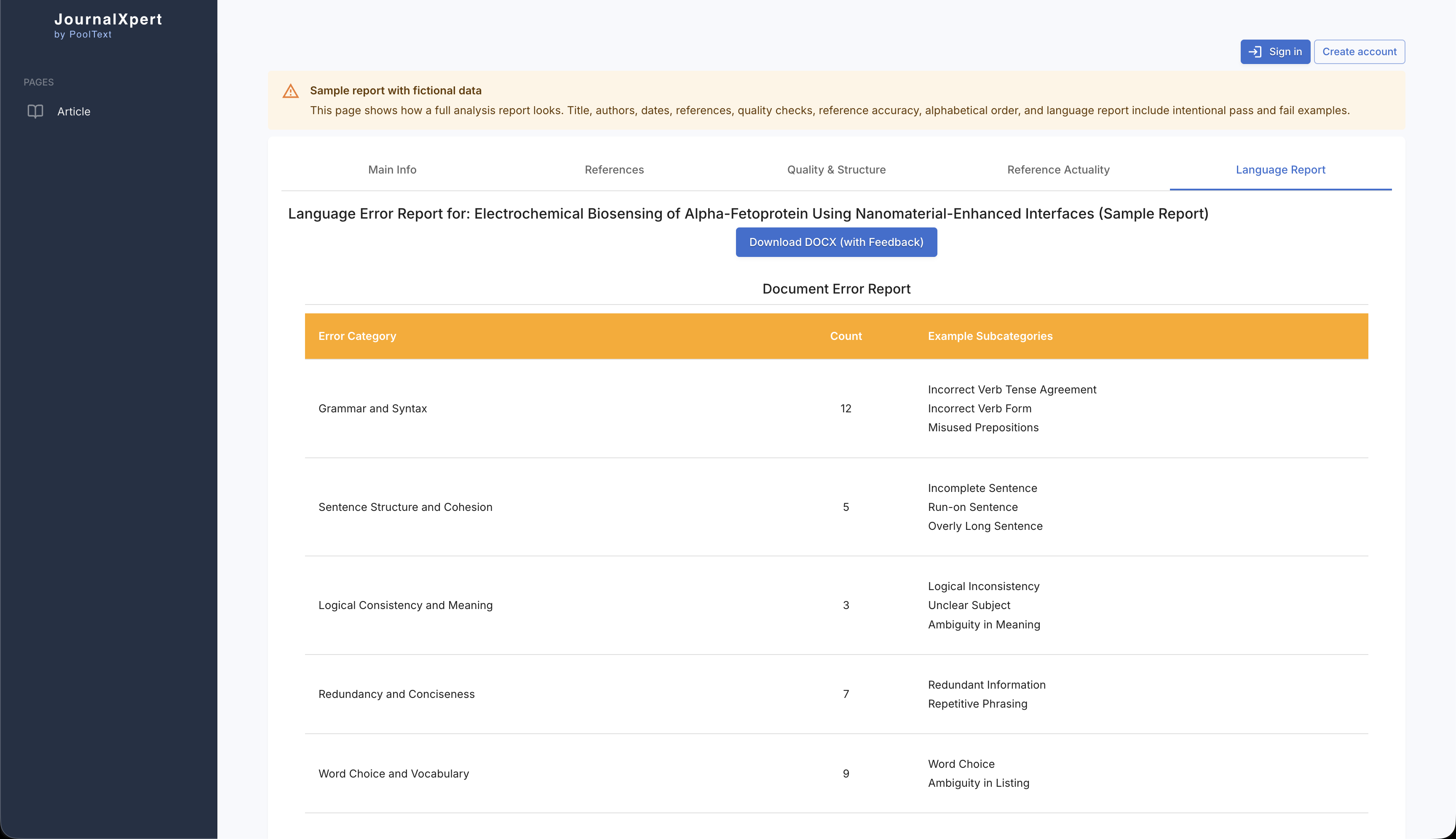
Language Report
The Language Report tab shows your English language score, flagged issues, and detailed corrections you can review in the marked-up Word file.
Contact us
Questions? Reach us at contact@pooltext.com or through your institution representative.
What is PoolText Report and what does it cover?
Language and readability
Grammar, spelling, and clarity errors are common reasons for revision or rejection. Good language use helps editors and reviewers focus on your content.
Reference accuracy
Accurate references signal careful research. Heavy reference errors can lead to revision requests or rejection.
Reference actuality
Your reference list shows how thoroughly you reviewed the literature. Outdated or insufficient references are a common rejection reason.
Structural integrity
Missing mandatory sections or formatting issues can lead to revision or desk rejection. Structural checks reduce that risk before submission.